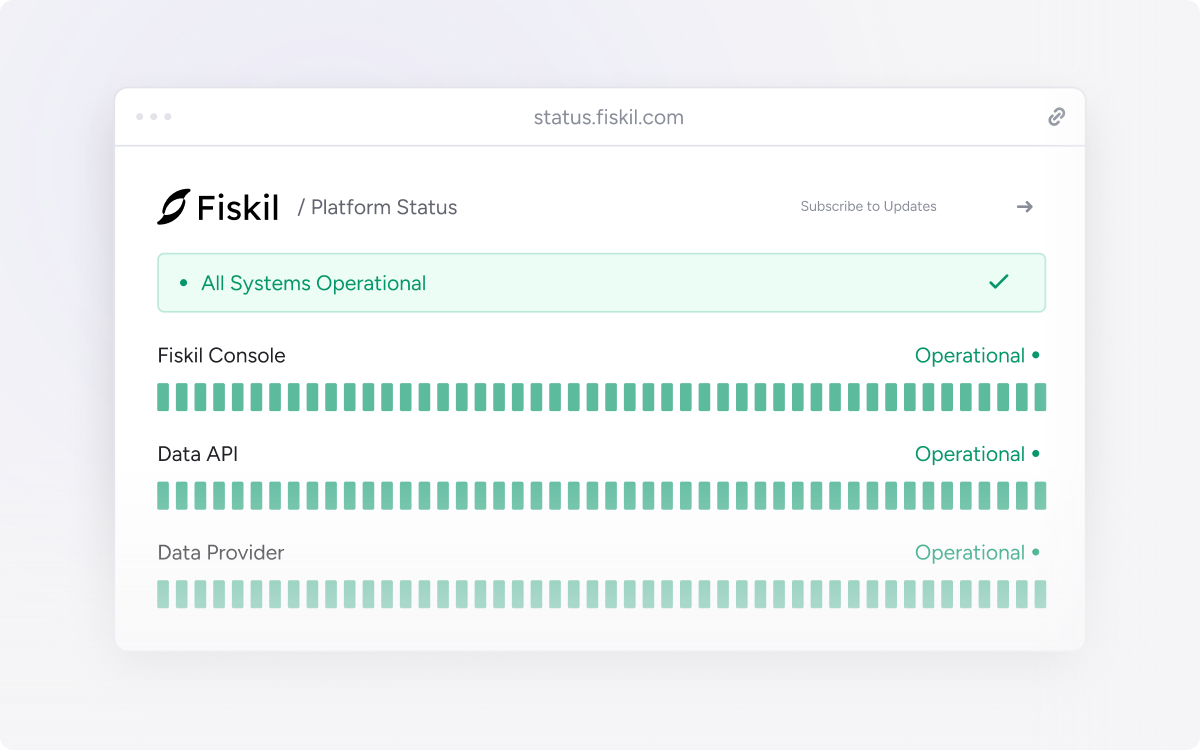
The Fiskil Status Page brings Console, Data API and Data Provider status into one place, with incident information and updates when something goes wrong.
Use it when investigating an issue, follow an incident as it develops, or subscribe for email notifications about the components you use.
Platform and institution status
The status page covers Fiskil services. Outages at third-party financial institutions are tracked separately on the Institution Status Page. View institution status ↗
Subscribe to updates
Open the Fiskil Status Page, select Subscribe to updates and enter your email address. You can follow specific components.
Manual transaction refresh lets you request newer banking transaction data when your product needs it, alongside Fiskil’s ongoing background updates.
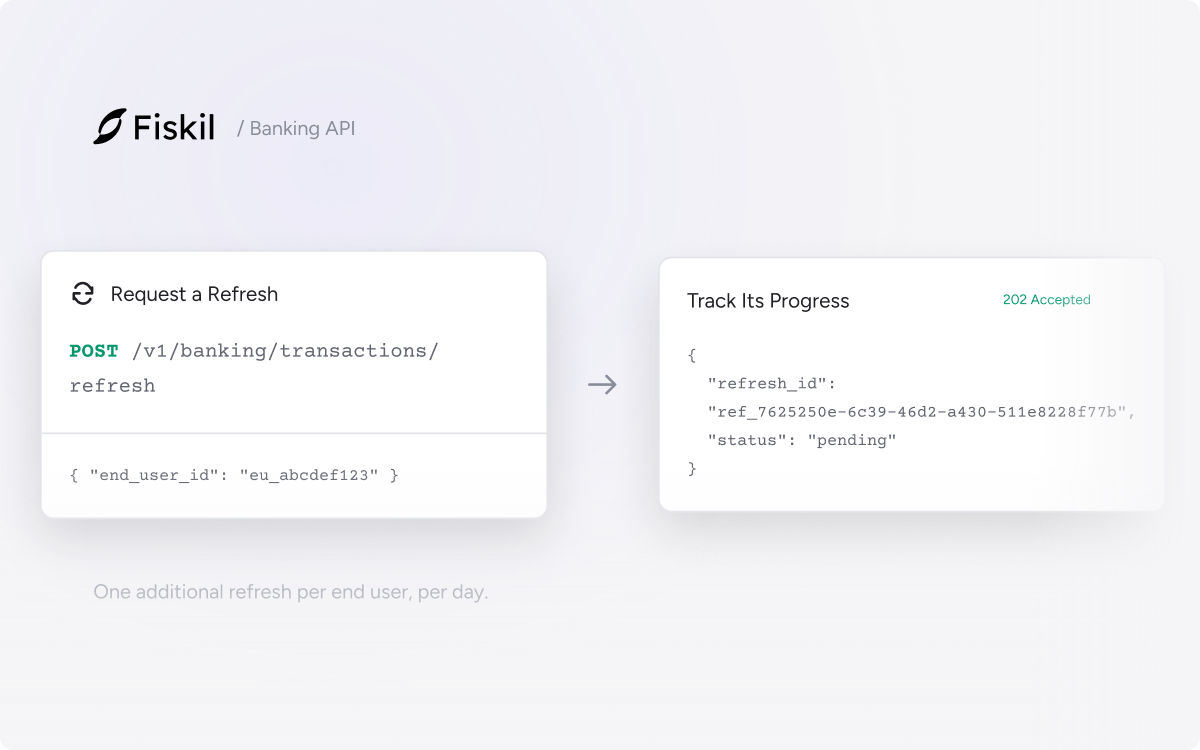
Trigger one additional refresh job per end user per day. Each job syncs new transactions across the accounts and consents associated with that end user.
Refresh at the moments that matter
Refresh before an account review, an accounting close or a lending reassessment, then update your product when the sync completes.
Request, then follow the result
Call POST /v1/banking/transactions/refresh with the end_user_id. The job runs asynchronously: banking.transactions.sync.completed signals success, while banking.transactions.sync.failed signals failure. Read the webhook guide ↗
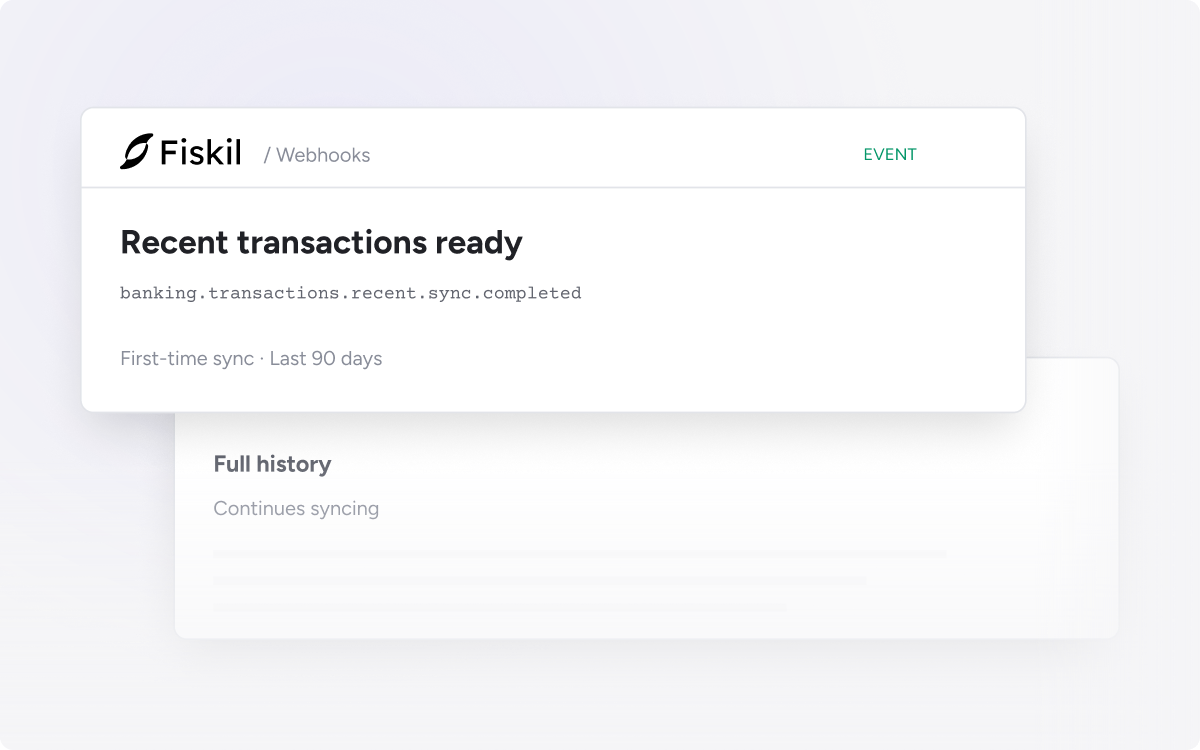
The banking.transactions.recent.sync.completed event fires during a first-time sync as soon as the last 90 days of transactions are available, before the full history has finished loading.
Use this earlier signal to move a user out of a loading state or begin an assessment that only needs three months of transactions. The remaining history continues loading in the background.
An additional signal
Existing banking.transactions.basic.sync.completed and banking.transactions.sync.completed events remain in place. The new event is an earlier signal, with account_ids identifying the relevant accounts.
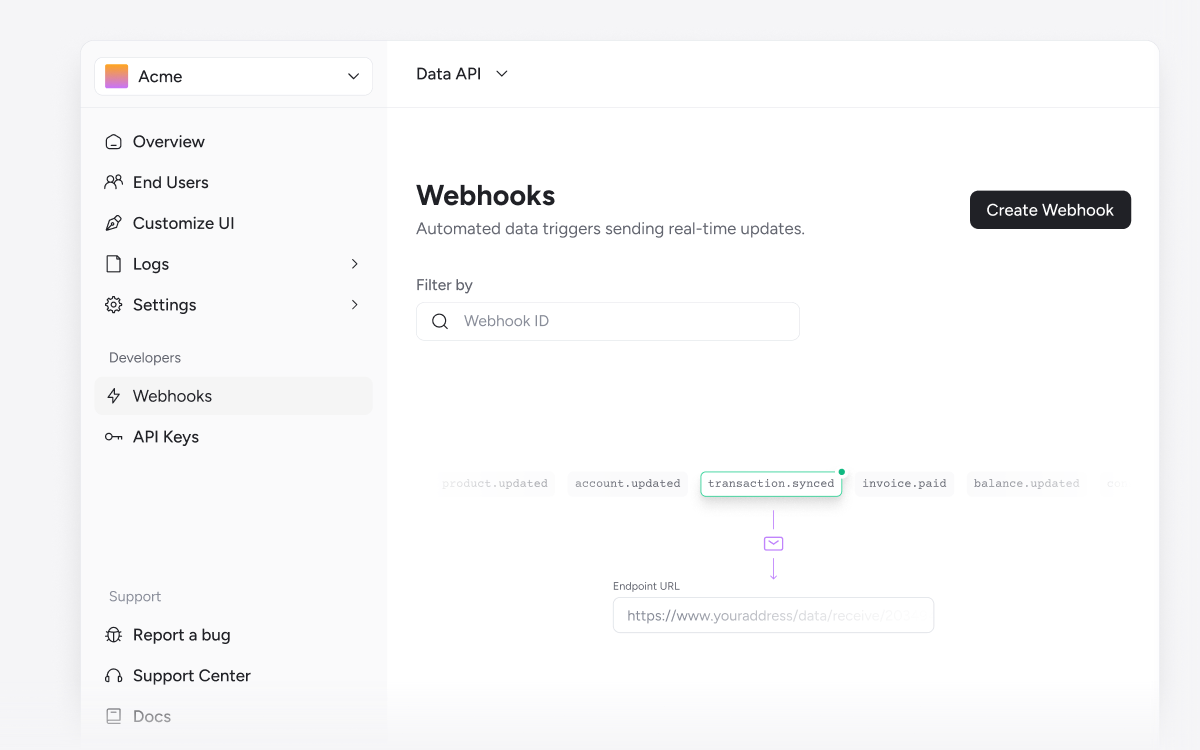
Subscribe in Console
Add the event under Settings → Webhooks. The webhook guide covers endpoint setup, payloads and signature verification.
Customers can connect their Revolut accounts through the Fiskil Data API. For integrations using Fiskil Link, Revolut uses the consent flow, endpoints and data schema already in place.
Account, balance and transaction data follows Fiskil’s normalised format, with consent, notification and revocation handled through the existing integration.
Use your existing connection flow
Open Console to review your Fiskil Link configuration. If you are still preparing to go live, contact the team for a walkthrough.
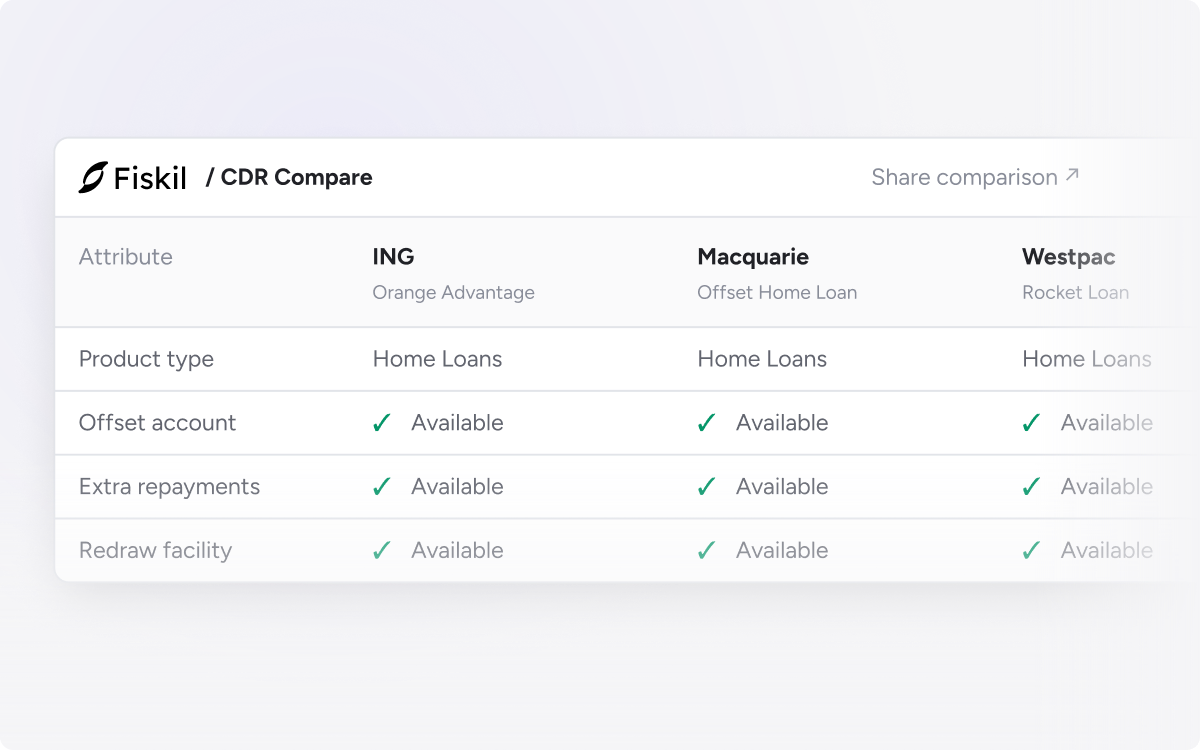
CDR Compare is a free Fiskil product for exploring published CDR product data from Australian banks and non-bank lenders. It reads each provider’s Product Reference Data API.
Explore product ranges, select up to four products to compare side by side, and share the comparison by URL with your product or pricing team.
Compare the published details
Review rates, fees, features and eligibility across products such as home loans, savings and transaction accounts, credit cards, and personal or business lending.
A reference point for the market
CDR Compare presents providers’ published data without scoring, rankings, recommendations or affiliate relationships.
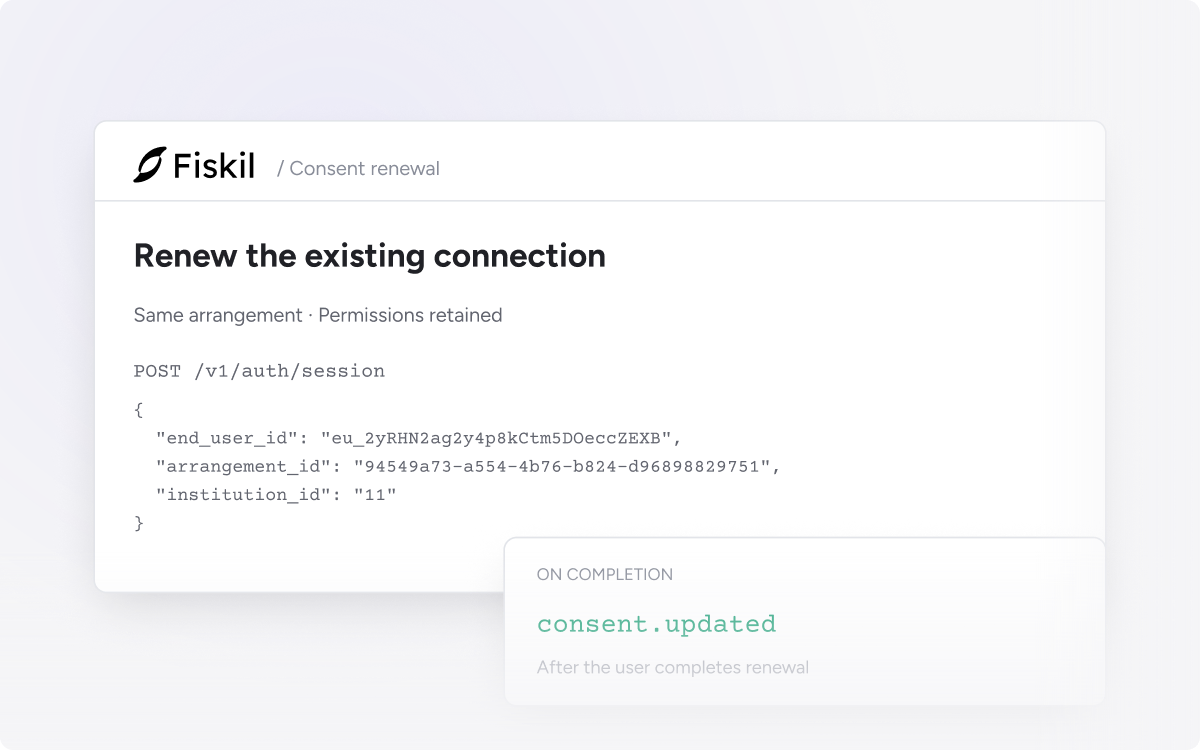
Renew an existing consent before it expires, keeping the same arrangement and permissions. The user reviews their connection through an update flow instead of starting an unrelated new connection.
Find active consents approaching expiry with active=true and expires_before in the Consents API. Start your renewal process at least 30 days before expiry to give users time to complete it.
Continue the existing arrangement
Create an Auth Session with the consent’s arrangement_id. Permissions carry over, and the new consent period comes from your team configuration in Console. Previously shared accounts are preselected where the institution supports it.
Confirm the renewal
Listen for consent.updated to confirm completion. The renewal playbook covers the full flow, an outreach timeline and errors for cancelled or failed renewals.