Renew consents before they expire
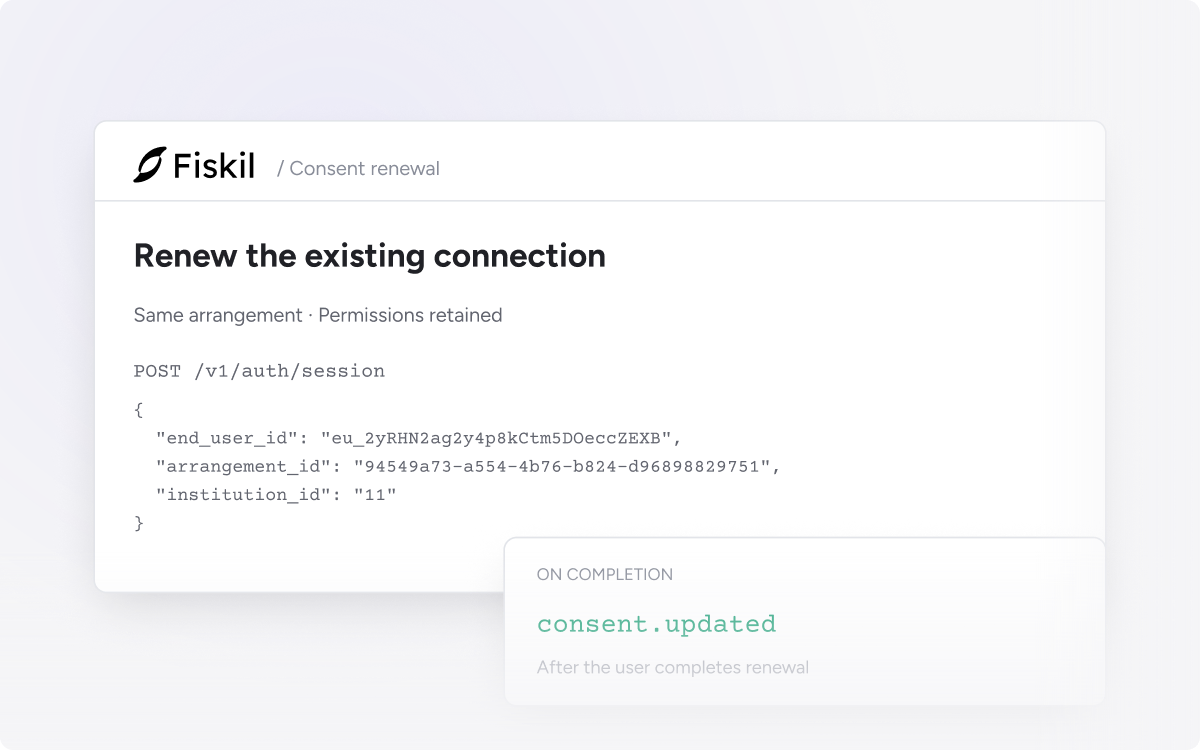
Renew an existing consent before it expires, keeping the same arrangement and permissions. The user reviews their connection through an update flow instead of starting an unrelated new connection.
Find active consents approaching expiry with active=true and expires_before in the Consents API. Start your renewal process at least 30 days before expiry to give users time to complete it.
Continue the existing arrangement
Create an Auth Session with the consent’s arrangement_id. Permissions carry over, and the new consent period comes from your team configuration in Console. Previously shared accounts are preselected where the institution supports it.
Confirm the renewal
Listen for consent.updated to confirm completion. The renewal playbook covers the full flow, an outreach timeline and errors for cancelled or failed renewals.
Paginate with API v3
Send the X-Fiskil-Version: v3 header when using paginated consent results. Read the v3 upgrade guide
